
Documentation
Create in Studio, assemble in Motion
Understand the difference between a media composer, saved account content and a project sequence.
Studio
Choose image creation, image editing, video creation, video editing, voice design, text to speech, sound effects or music. Each feature exposes the models and settings it supports. Upload required source media, review the estimate and submit deliberately. Generation history retains submitted requests and their outputs; an unsent form is a different state.
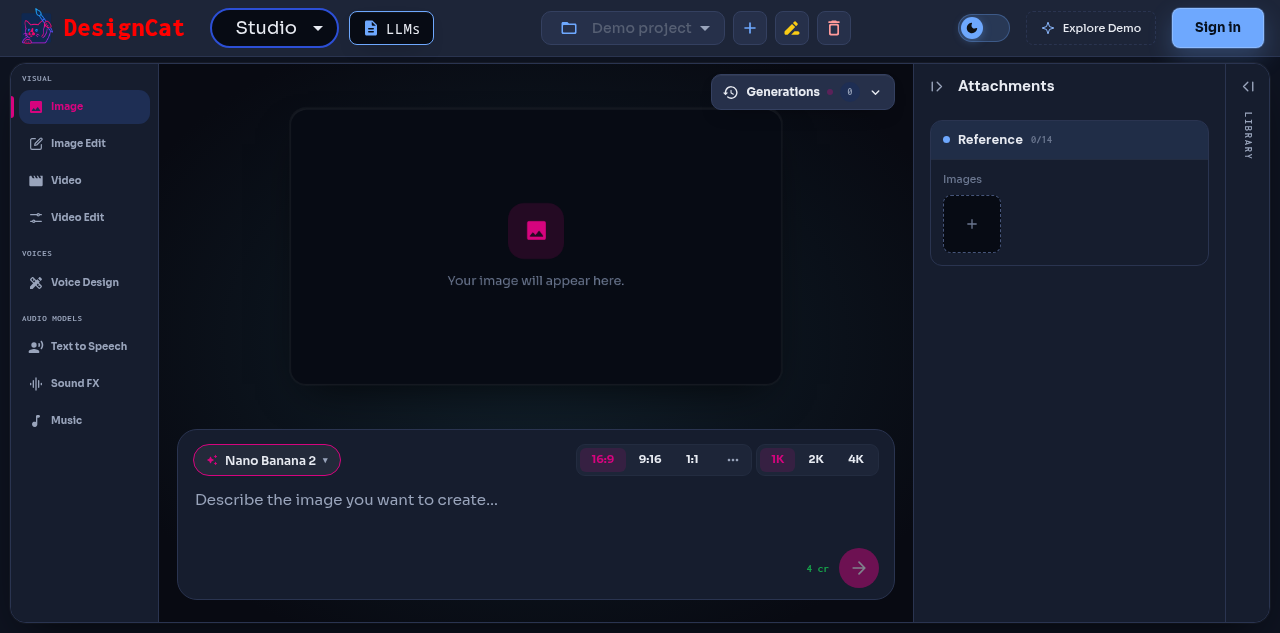
https://designcat.io/app/studio
Motion
Organize a project around shots and reusable references. Storyboard images can provide a mood board or shot frames. Shots hold prompts and placement; Finalize assembles the cut with its audio and supported brand bookends.
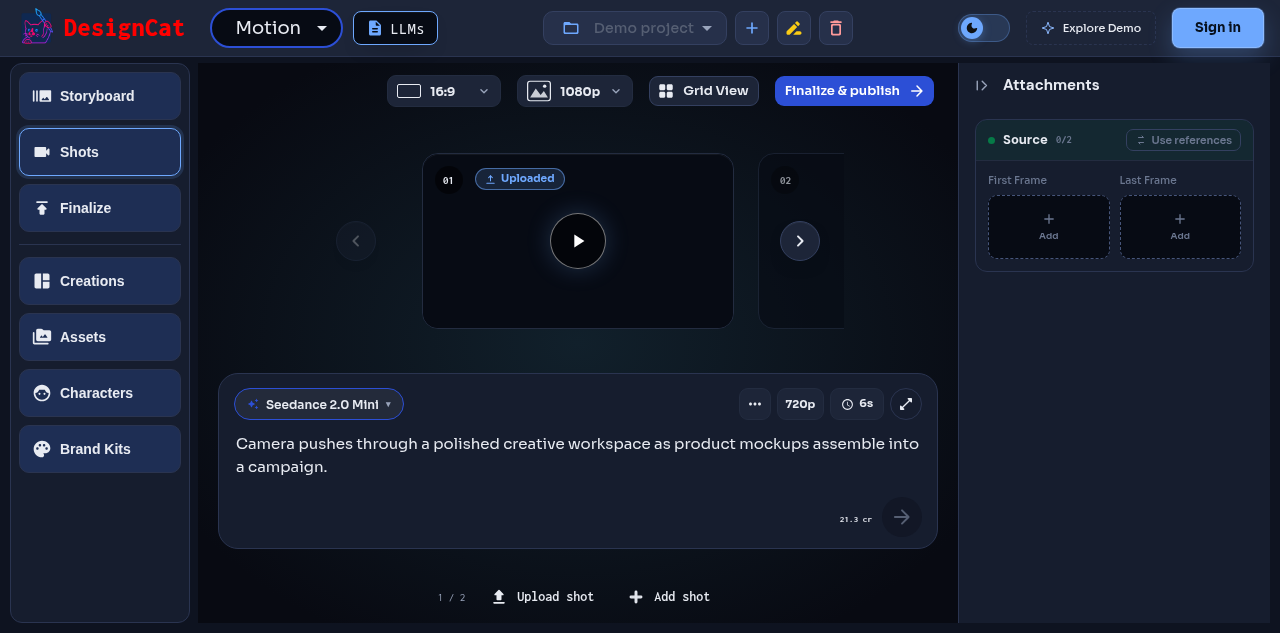
https://designcat.io/app/motion
Libraries and placement
Account content and project placement are different. Removing an item from a kit does not necessarily delete the underlying content. A generation can create multiple outputs; keep all of them before choosing a take. Review the intended project before an agent creates or changes project-scoped resources.
Product availability
The public web experience centers on Studio and Motion. Preview-gated tools are available only to enabled accounts and are not implied by a model’s API support. Mobile has its own readiness and capability requirements.