
Integrations
Create in DesignCat, wherever you work
Connect account tools through MCP, use the workflow plugin in a supported coding client, or continue in the web application.
One account, saved results
DesignCat agent tools work with your ordinary projects, media, kits, voices and generation requests. Review saved work in Studio or place it in Motion. Unsent browser drafts and playback state remain local to the browser.
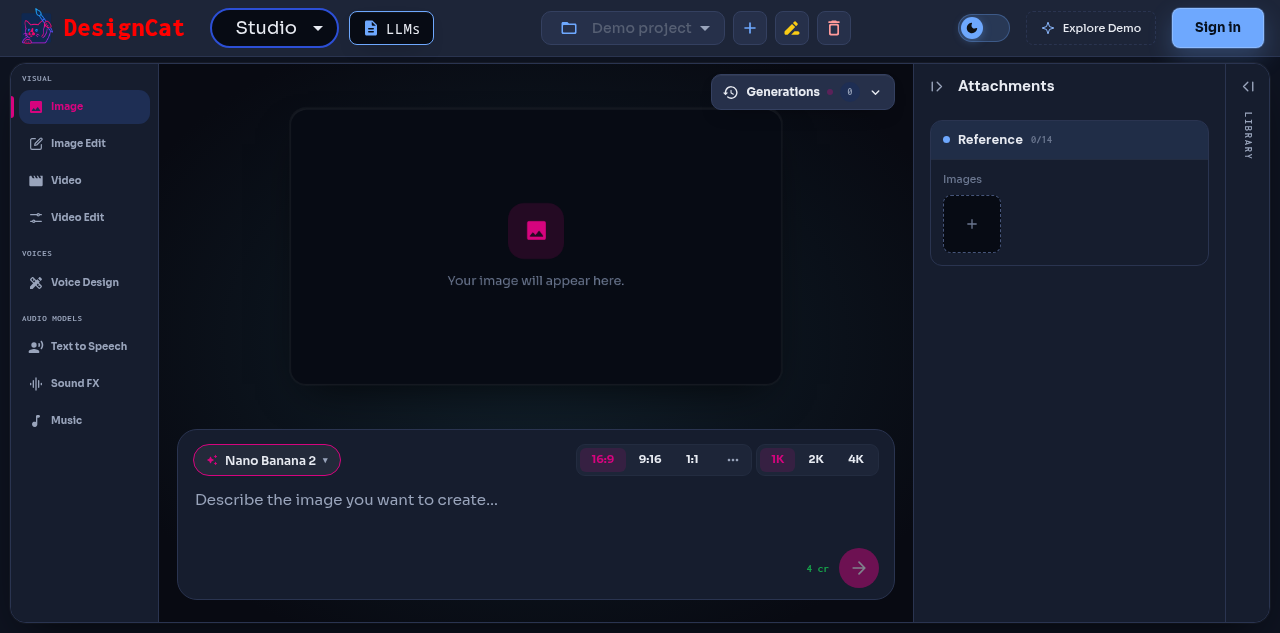
Public Studio workspace, captured from the live product in October 2026.
Remote MCP
Connect an authenticated account and discover exact model parameters before generation. The setup guide explains connection, credit spending, retries and output retrieval.
https://designcat.io/integrations/mcp/
Workflow plugin
The DesignCat package combines a workflow skill and remote MCP configuration. Its source package includes Codex and Claude Code compatibility manifests. Client setup and authentication are separate from any marketplace listing.
https://designcat.io/integrations/codex/
https://designcat.io/integrations/claude-code/
Continue in the product
https://designcat.io/workflows/agent-to-web/
https://designcat.io/app/studio